![ArchiPro-PNG-1.png]](https://archipro.support/hs-fs/hubfs/ArchiPro-PNG-1.png?height=40&name=ArchiPro-PNG-1.png)
-
Home Page Banner Images
-
Logo Images
-
About Page Banner Images
-
Project & Article Images
-
Product Imagery
-
Product Videos
Home Page Banner Images
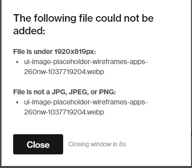
Banner images should be ideally 1920 x 1200 px at 72 - 300 dpi saved in jpg image format.
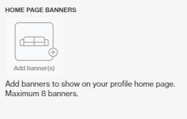
- Remember to save the image in the right format
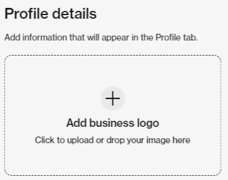
Logo Images
The ideal dimensions are 1069 x 943 pixels, at 72 dpi in .png image format and less than 10mb in size.
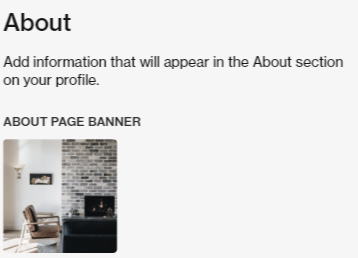
About Page Banner Images
Ideal Specs - 1920 x 819 px
Company Images: Ideal Specs - 1200 x 1200 px
Project & Article Images
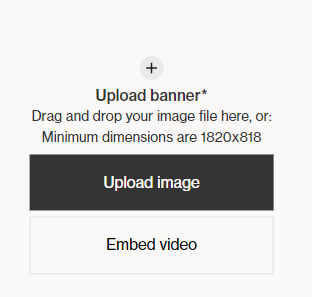
- Project & Article Banner dimensions: 1820 px x 818 px
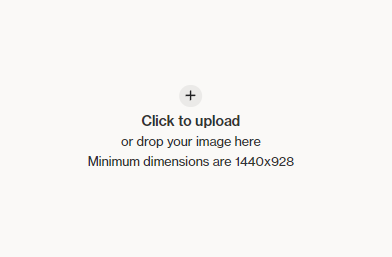
- Single Large Photo - 1440 x 928 px
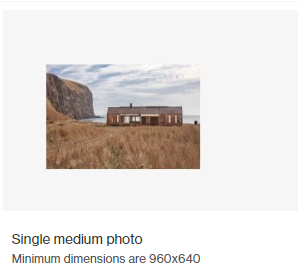
- Single Medium Photo - 960 x 640 px
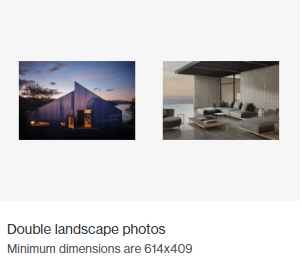
- Double Landscape Photos - 614 x 409 px
- Photo and Paragraph - 436 x 520 px

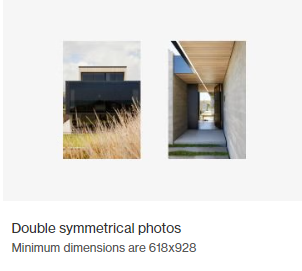
- Double Symetrical Photos - 618 x 928 px
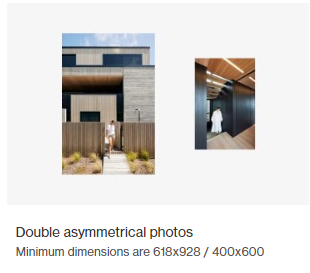
- Double Asymetrical Photos: 618 x 928 px
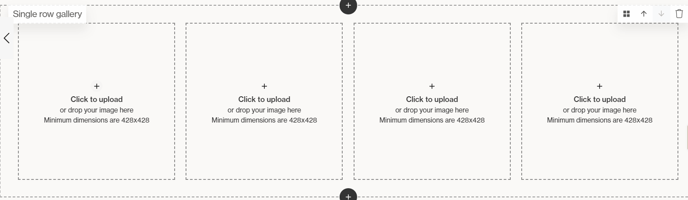
- Single Row Gallery - 428 x 428 px
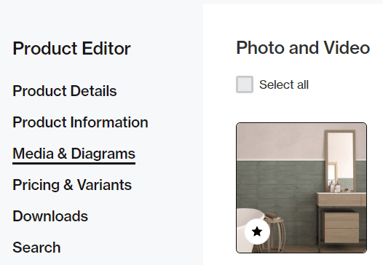
Product Imagery
Imagery - Ideal Spec 1200 x 1200 px
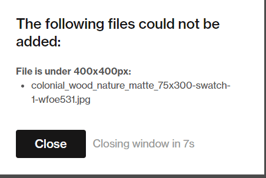
* Minimum 400 x 400 px
Product Videos
You can add a link to a YouTube or Vimeo video, and the platform will automatically pull through a thumbnail. however, sometimes the thumbnail that pulls through isn't appropriate or out of focus etc.
You can create a thumbnail by using Video Screenshot the Google Chrome extension to capture the desired thumbnail image :
1. Type in Video Screenshot into Google and choose the top option pictured below: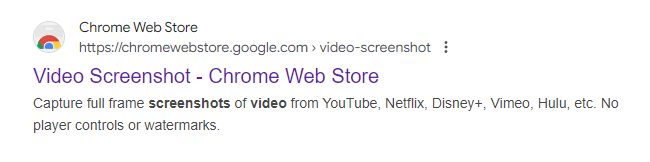
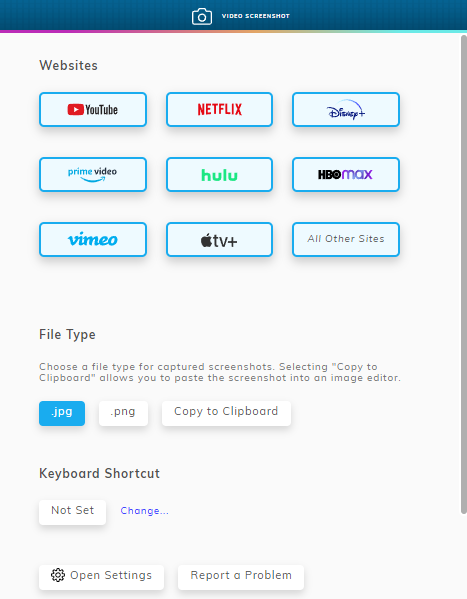
2.After capturing the desired screenshot, upload this resized screenshot to the Archipro Platform